
Development time ~2–3 weeks
Workflow
Automation
the day starts with a ready plan
Development time ~2–3 weeks
Automation
the day starts with a ready plan
Workflow Automation
About the Project
A small business owner keeps everything in his head: what was agreed on a call, who owes what, when the next step is due, which request came from the website. Call recordings sit unused, the CRM goes stale within a week. I built a workflow that takes this routine away: the call is transcribed locally, the audio never leaves the machine, the AI writes a summary and tasks, and the client card in the CRM is updated in the same move, unasked
About 40 calls with 15 clients of my practice went through it. The same system runs a clinic owner’s day: 127 morning plans in a row, 240 reminders, 51 bookings confirmed with the doctor’s button, 43 events created in the calendar
For a similar solution for your business, see AI Employee
What You Get
If your calls leave recordings without tasks, the CRM is filled from memory and website requests get lost in email, the workflow takes it over: transcript, summary, tasks, client card, daily plan and reminders. One thing is left for you: tap the button where your decision is needed
How It Works
01
Drop the call recording
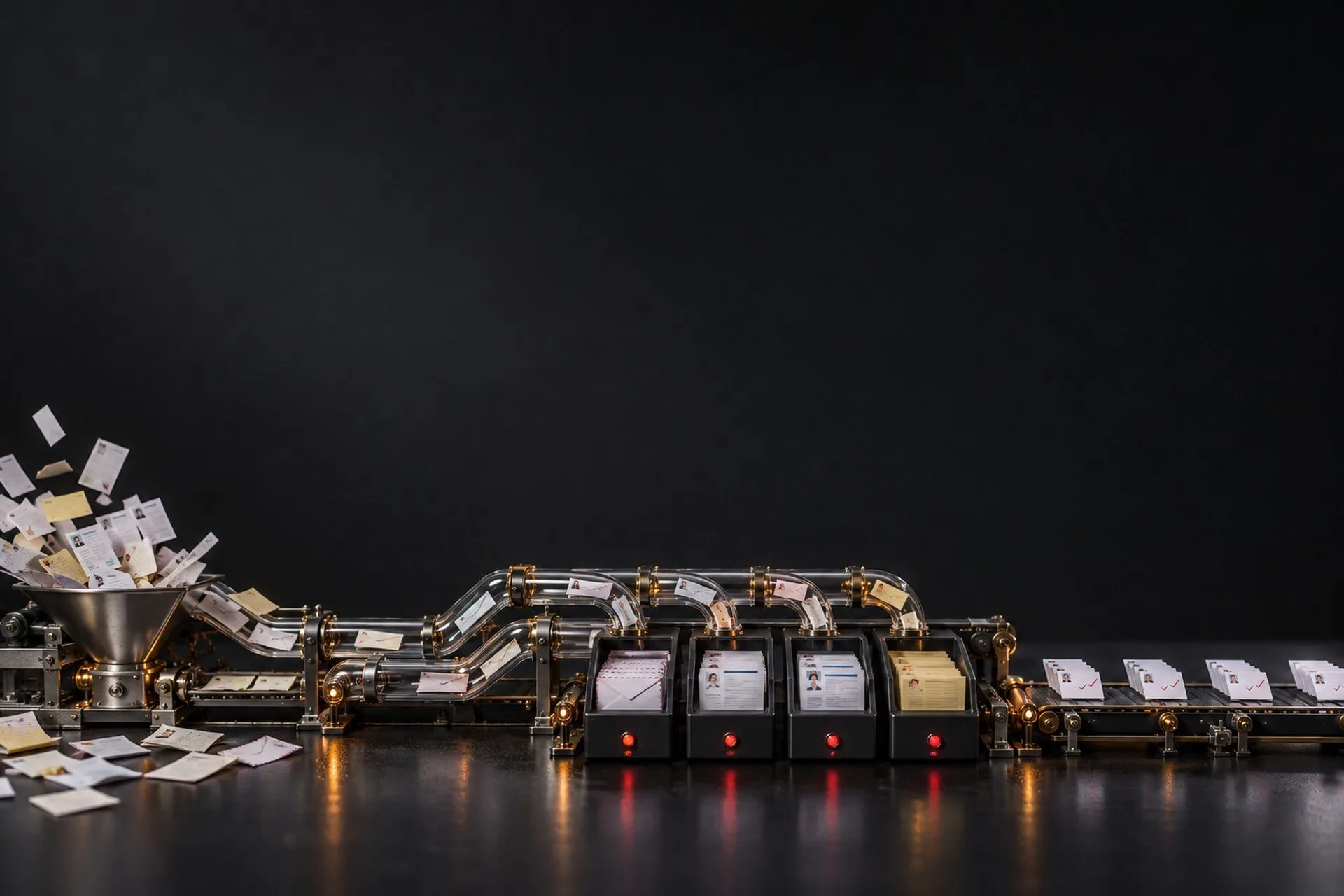
A Zoom recording, a dictaphone file or a voice message. Code measures the length: short audio goes to a cloud transcriber, a long call is transcribed by a local model, so the client’s audio never leaves the computer. An hour-long call is ready in about 10 minutes
02
Summary, tasks, report
The AI writes a summary by topic, the agreements, tasks with an owner and a date, what was postponed and what to check in the next days. The report goes to the client from one template together with the session recording
03
The CRM updates itself
The session card gets the date, duration, invoice, payment, outcome and a link to the transcript, the client card — last contact and the next step with a date. The rule is built in: a call happened, a payment came, an offer went out — the CRM updates in the same move
04
Requests and the daily plan
A website request passes a bot trap and lands as a card in Telegram plus an email. Every morning at 9:02 one post with the plan of the day arrives, assembled from the calendar, tasks and reminders. Reminders fire on schedule, mail is read on request
05
One button — and the booking is done
A client card arrives in Telegram. “Confirm” creates the calendar event, a repeat tap cannot create a duplicate. “Decline”, “I’ll take it” and “Send location” are separate buttons
The system sends no emails, creates no events or bookings without the owner’s word or button, and stores no requests on the server
Tools
-
Claude
summaries, tasks, rules -
Whisper
local call transcription -
Notion
CRM: clients, sessions, tasks -
Google Calendar and Gmail
daily plan, events, reading mail -
Telegram
cards, buttons, daily plan -
Linux server
scheduled jobs
Result
Call recordings no longer sit unused: each one becomes tasks and a CRM card. The day starts with a ready plan, reminders arrive on schedule, and a booking is one tap. Hours saved I have not measured and do not promise
Nothing important happens without your button:I want the same
the system prepares, you decide