
Development time ~1 day
Auto Subtitles
from one word in Telegram
Development time ~1 day
from one word in Telegram
Auto Subtitles
About the Project
I shoot videos for social media. A video with subtitles makes sense even without sound, but making them by hand takes a long time: transcribe the speech, fix the mistakes, time the words and put them on the video. One video took about half an hour
I built an AI assistant that makes the subtitles itself. I drop a video into a Google Drive folder and type one word in Telegram: “subtitles”. A couple of minutes later the finished video with large subtitles is on my Drive, and a report with a description and hashtags arrives in Telegram. I built it in one day
Similar solution: AI Video
What You Get
If you regularly shoot videos for social media, the assistant takes over the most tedious part of editing. All you do is shoot the video and type one word. I built my own assistant in a day; for you, the timeline is from 3 days: including going through your task and testing on your videos
How It Works
01
One word instead of editing
I drop a video into a Google Drive folder and type “subtitles” in Telegram. The assistant replies that it’s on it and finds the new videos in the folder itself. Videos from a phone or a camera in common formats work, and iPhone videos keep their colors
02
Word-accurate transcription
Speech is transcribed in seconds, and the exact timing of every word is kept. Filler words like “um”, “like” and “you know” are removed, and punctuation is added
03
AI proofreads the text
Then AI checks the text: it fixes typos, merged words and recognition errors without changing the meaning or shifting when each word is spoken. If the check fails, the video is still made with the original text
04
Subtitles that hold attention
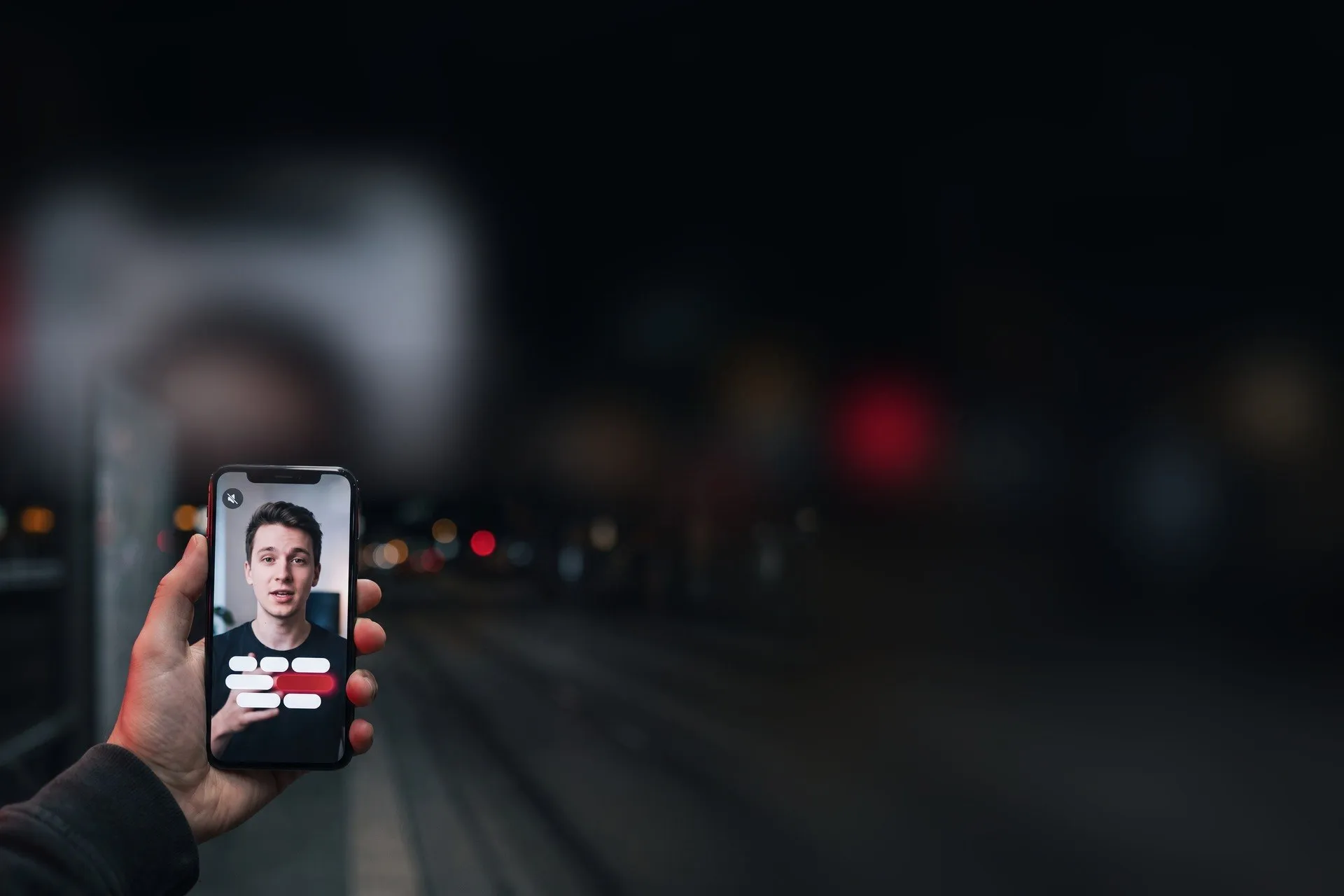
Subtitles go in a large font on a black bar, no more than four words on screen. The word being spoken right now is highlighted in red, the words already said stay white. Phrases are split at pauses in speech, so they’re easy to read
05
Ready to publish
The finished video goes into a separate Google Drive folder, and a report and a card arrive in Telegram: the video, a description with hashtags and a title for YouTube
If something fails, the assistant says so and tries again. Each video is transcribed only once, so reprocessing doesn’t spend money on transcription
Tools
-
Whisper
transcribes speech accurate to the word -
Claude
proofreads the text, writes the description and hashtags -
ffmpeg
puts subtitles on the video -
Google Drive
videos before and after -
Telegram
command, report and card
Result
A raw video becomes ready to publish in about 2 minutes instead of half an hour of manual work. All it takes from me is one word in Telegram
Every video comes out in the same recognizable style, the text is proofread, and the description and hashtags are ready
Subtitles no longer eat my timeI want the same