

Development time ~1–5 days per pipeline
AI Video
& Images
money is spent only on your “go”
Development time ~1–5 days per pipeline
& Images
money is spent only on your “go”
AI Video & Images
About the Project
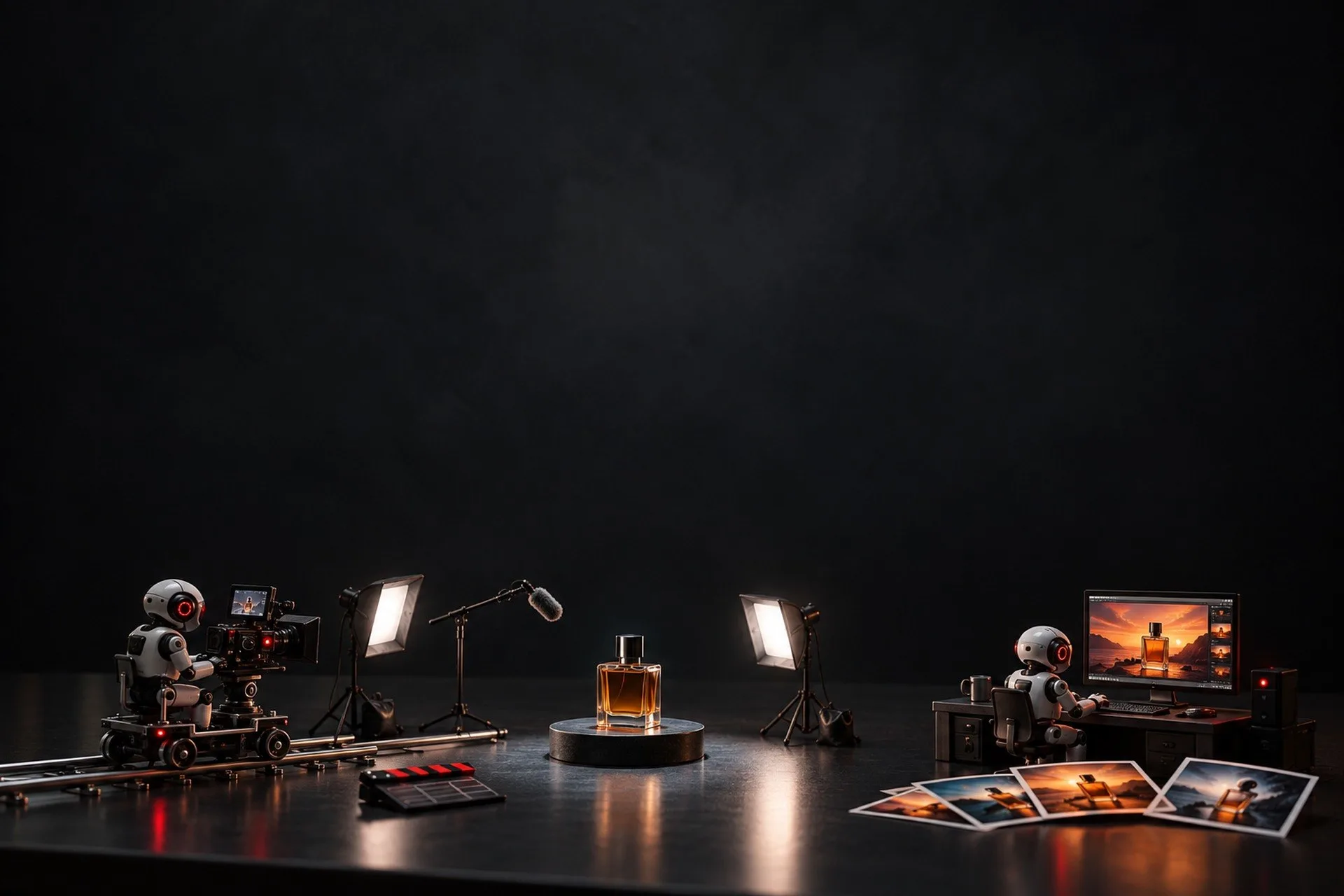
Video and images for social media eat evenings: subtitles by hand, a cover in an editor, an explainer at a studio. Off-the-shelf AI tools give raw output: subtitles drift, iPhone colours burn out, a generated clip is eight seconds at most. I built five pipelines where AI generates and code assembles, checks and brings it to publishing
I use them myself and for a clinic owner: 22 clips went through subtitles, the designer bot made 296 covers, 4K images and short clips with sound were generated for the clinic, this website carries 40 thirty-second explainer videos rendered from code without shooting, and the voice assistant has a live face whose lips follow the voice
For a similar solution for your business, see AI Content Factory
What You Get
If you regularly need covers, short clips, a video explaining a service or subtitles, the pipelines do it from a word in Telegram. Paid generation runs only after your “go”, and publishing only on your button
How It Works
01
Subtitles from one word
Drop a phone video in a folder and write “subtitles”. Speech is recognised with a time for every word, typos are fixed without moving the timing, up to four words on screen on a dark box, the spoken word in red. iPhone footage keeps its colours. About two minutes per clip
02
Images on request
Write to the designer bot in Telegram what you need: a cover, a carousel, a portrait in your own likeness. The bot generates and returns the image in the chat, an edit is the next message. For the clinic — 4K images for posts
03
AI clips with a “go”
The bot assembles the prompt and generates a vertical clip of 4, 6 or 8 seconds with sound, optionally from a first and last frame. Every generation costs money, so it starts only after your “go”
04
Explainer videos from code
Scenes are written as text with animation and rendered to video: wide and vertical, in two languages. No shooting, no voice-over. A text change is a rebuild in minutes, not a new edit. That is how the 40 videos for 10 services on this site were made
05
Live avatar and publishing
In the voice assistant a face comes up in about three seconds, its lips follow the voice, and when you interrupt, sound and lips stop together. It switches on with a button mid-conversation
A caption, hashtags and a title are drafted from the speech, and a card with platform switches waits for your button. Nothing is published without a tap
Tools
-
Claude
scripts, text fixes, captions -
Whisper and ffmpeg
word-level speech, subtitles, colour, assembly -
Gemini and Veo
images and short clips -
HyperFrames
explainer videos from code -
Simli and LiveKit
live face in the voice assistant -
Telegram and Google Drive
commands, cards, files
Result
Subtitles, covers, short clips, service explainers and a live face are made from a word, not in an editor at night. Time saved I have not measured and do not promise. Not offered: an avatar with your face in a rendered video, or voice cloning
AI generates, code checks,I want the same
and money and publishing — only on your word